
Virtual Inspections

Introducing VuSpex: Virtual Inspections Made Easy
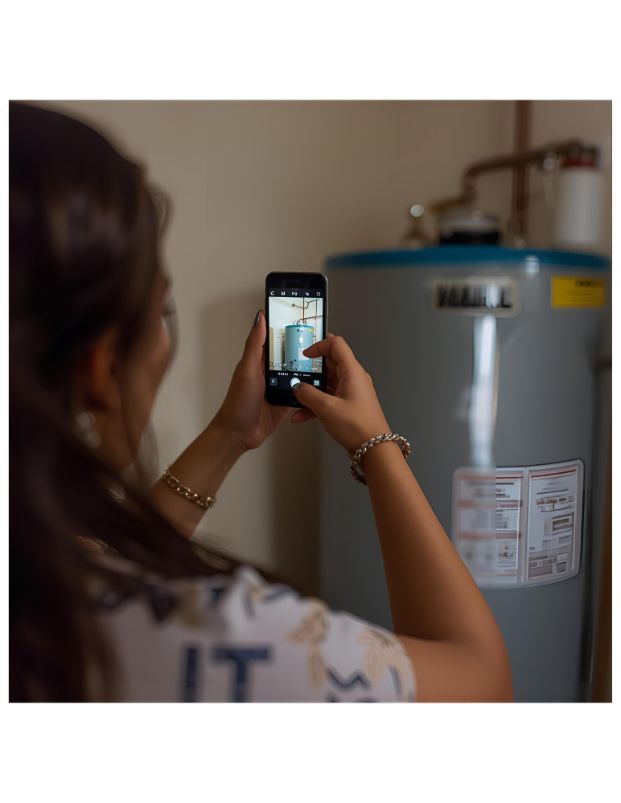
The City of Sacramento Building Division now offers VuSpex, a convenient virtual inspection tool that lets contractors and owner-builders complete inspections remotely—using any smartphone, tablet, or computer with a camera and internet connection.
With VuSpex, our inspectors can conduct secure, real-time inspections from virtually anywhere, helping you:
- Save time by avoiding scheduling delays
- Stay on track with your project timeline
Ready to get started? Learn more about VuSpex and how to schedule your virtual inspection.
Who Can Request a Virtual Inspection?
Homeowners and contractors are both eligible to request virtual inspections.
Eligible Permits
- Minor HVAC
- Minor Water Heater
- Solar/PV
- EV Chargers
Optional virtual inspections available for:
- Residential Re-roof
Available Inspection Types
- Virtual Plumbing Final
- Virtual Electrical Final
- Virtual Mechanical Final
- Virtual Building Final
- Virtual Bldg-Roof Plywood Nailing
- Virtual Bldg-Roof In Progress
How to Get Started?
To schedule a virtual inspection, you must first register for a VuSpex account.
- Create your VuSpex account
Need more support?
- View the step-by-step guide to creating an account and scheduling your inspection
Once registered, you'll be able to set up an appointment and will receive a confirmed time slot for your virtual inspection.
You do not need to download the VuSpex app—you can join your inspection directly from your browser. However, if you prefer, the app is available for download on most devices (VuSpex Go).
Tips for a Successful Virtual Inspection
To help your virtual inspection go smoothly, please follow these best practices:
- Enable Location Services: Before your inspection begins, activate your mobile device’s GPS/location services in your settings. Be sure to allow access when prompted for your camera and location.
- Check Your Connection: A strong internet connection is essential—especially when uploading your inspection report.
- Ensure Proper Lighting: Make sure the inspection area is well-lit so your inspector can clearly see all required elements.
Need more support?
- View the step-by-step guide to using VuSpex Go and helpful information on your virtual inspection
Additional Assistance
If you run into any issues installing the app, setting up your account, or creating a new login, please visit the VuSpex Support Center or contact their team directly at Support@VuSpex.com.